Multi-track schedules
Organize concurrent sessions, event days, rooms, and times in a format attendees can follow.

Venvi gives small conference teams one reliable place to publish schedules, speaker information, maps, links, and live updates across iOS, Android, and web. It is built for busy multi-session programs where clarity beats a static PDF or a crowded inbox.
Venvi helps attendees move through a busy event without relying on paper programs or scattered communications.
Organize concurrent sessions, event days, rooms, and times in a format attendees can follow.
Connect sessions with speaker information so attendees can understand who is presenting.
Give attendees maps and room details to help them navigate unfamiliar venue space.
The same agenda, speaker, and map structure can support other organized events where attendees need a mobile guide.
Keep internal events organized with schedules, links, venue details, and session context.
Help members navigate meetings, panels, speakers, and sponsor locations.
Support niche event programs where agenda clarity and attendee wayfinding matter more than heavy event software.
Keep agenda and room details current when timing changes, sessions move, or event plans shift.
Show speaker bios, roles, spotlight labels, and related sessions in a clean mobile layout.
Give attendees a fast way to understand floors, halls, rooms, booths, and key locations.
Keep core event information available when conference Wi-Fi is busy or cell coverage drops.
Support attendees on iOS, Android, and web without forcing every guest into one access path.
Move structured event data into Venvi faster with imports designed for practical event workflows.
Open a sample event to see how Venvi presents event home content, search, favorites, session detail, maps, and navigation.
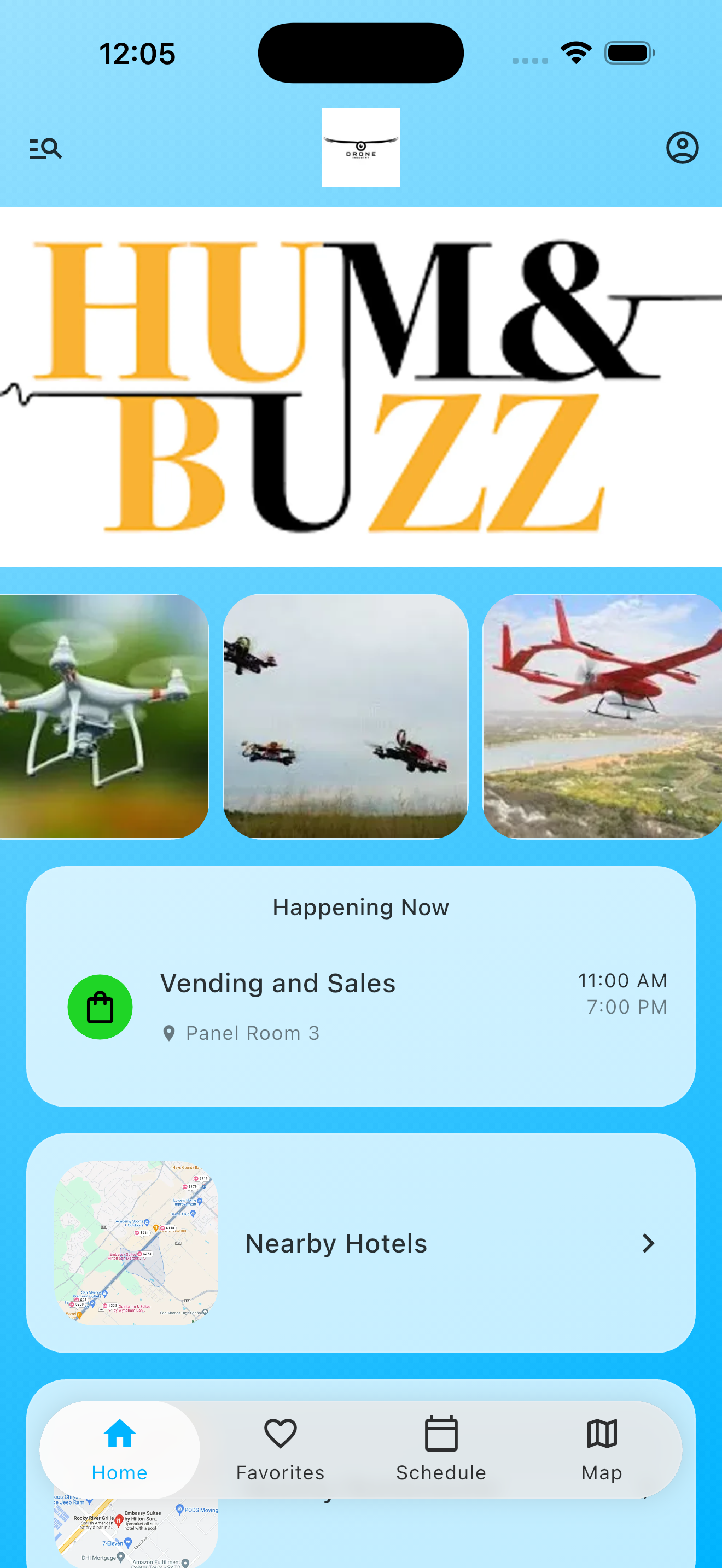
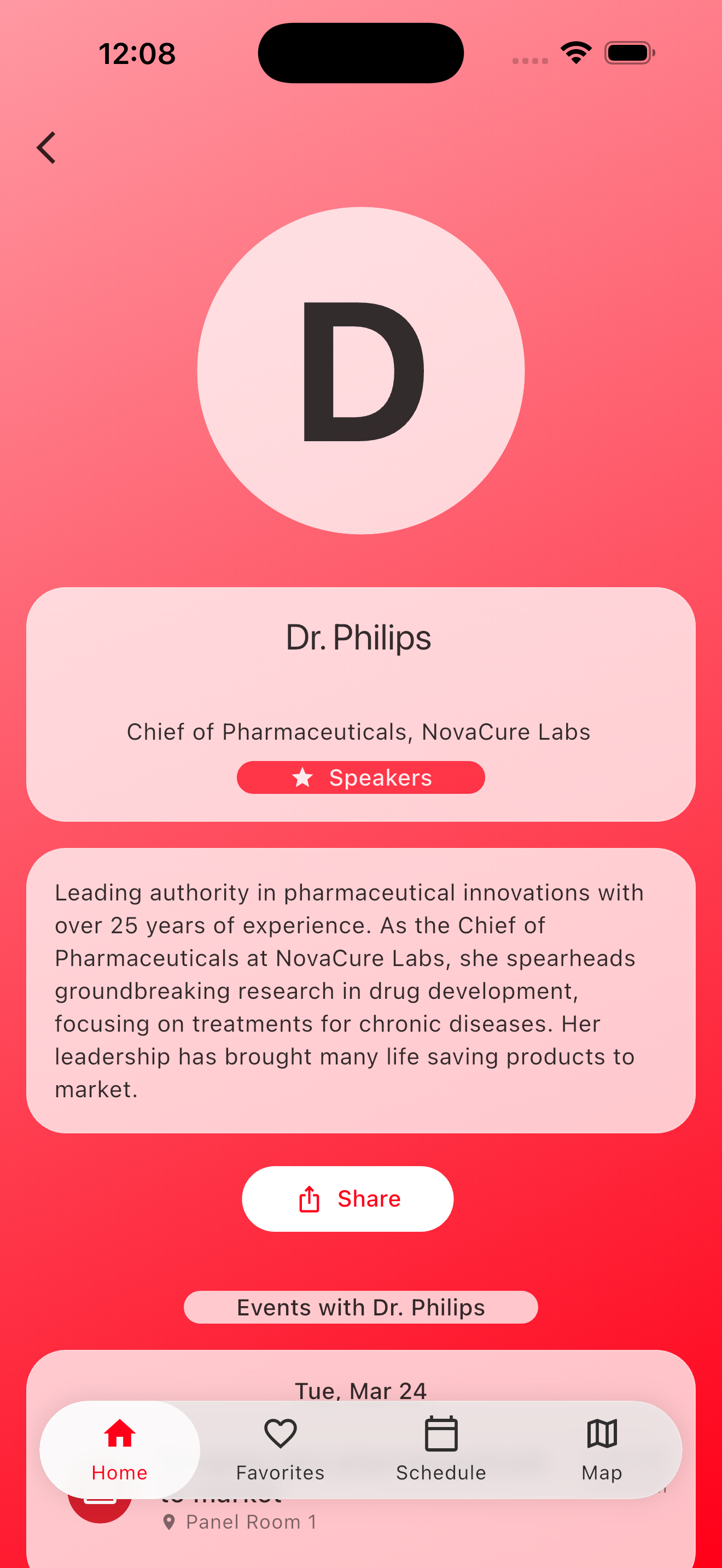
Starter gives teams the baseline app experience. Premium adds broadcast announcements, conflict detection, event-specific admins, import/export tools, and digital signage support.
No attendee accounts, personal schedules, spotlight events, offline access, maps, speaker profiles, information sections, and real-time change alerts.
Announcements to all attendees, schedule conflict detection, event admins, schedule import/export, and digital signage tools with calendar sync and API access.
Walk through your schedule or share event size and session structure in a short demo conversation.