

Update schedules from anywhere
Change session times, rooms, speakers, and details so attendees have the latest info.

Built for multi-session events
Venvi updates sessions, rooms, speakers and announcements so that attendees can keep key event details available even when connection is unreliable.
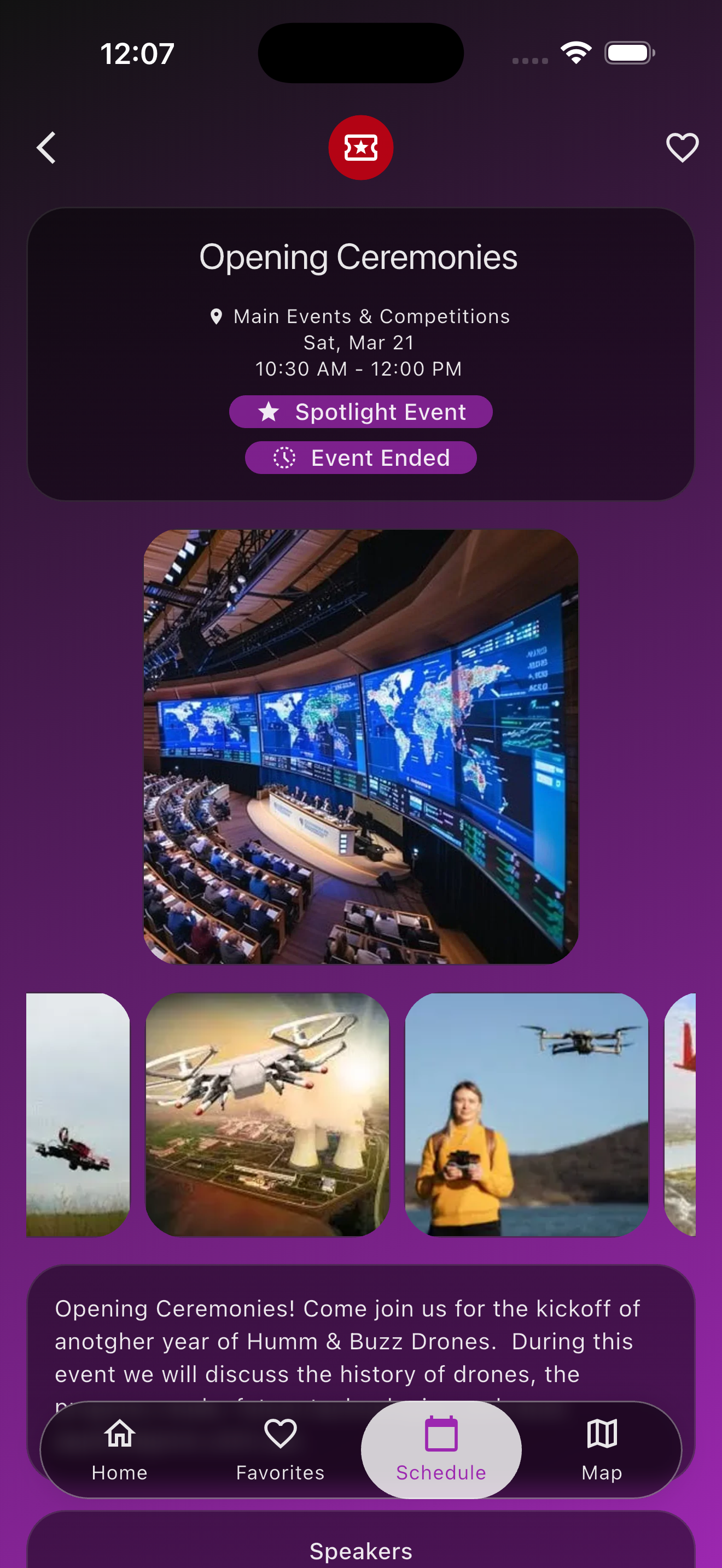
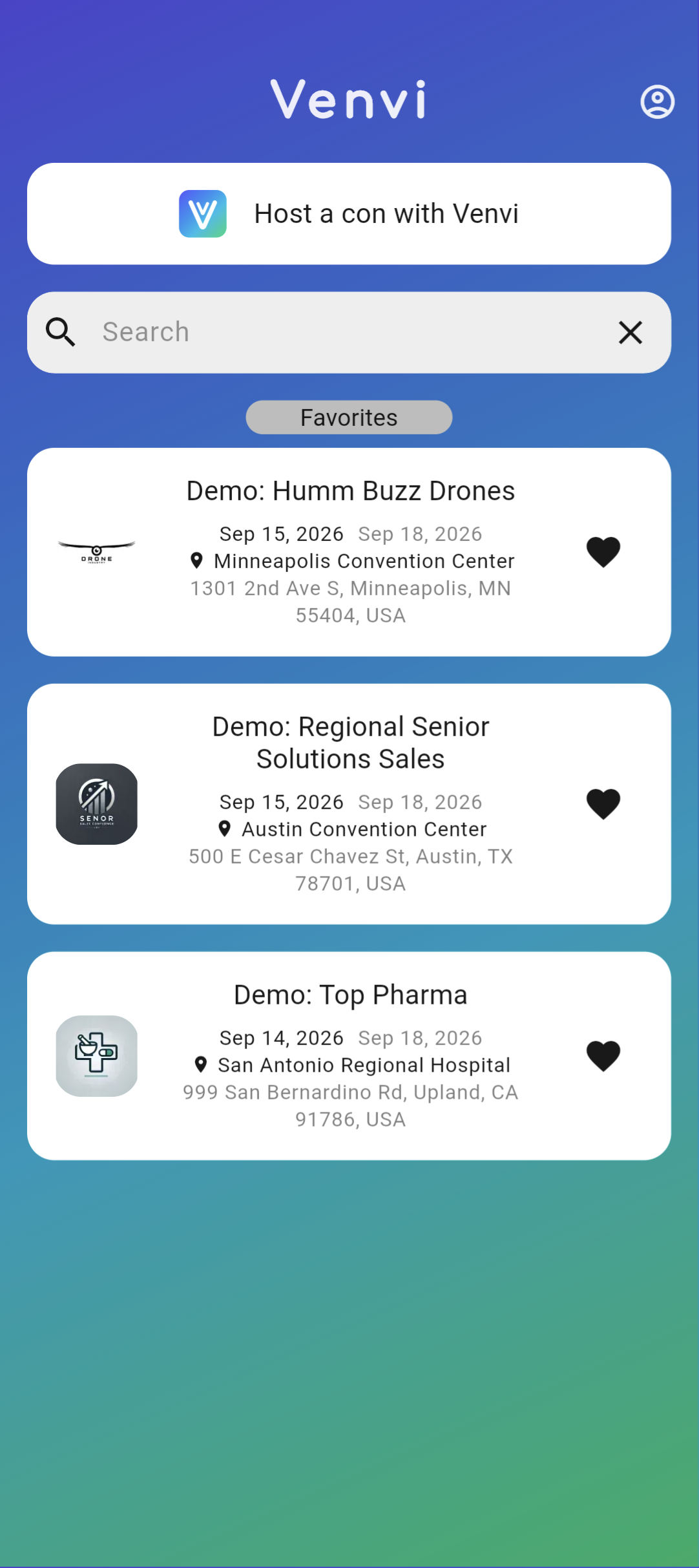
Change session times, rooms, speakers, and details so attendees have the latest info.
Choose which events to highlight and notify users.
Keep staff and attendees focused on what's important.
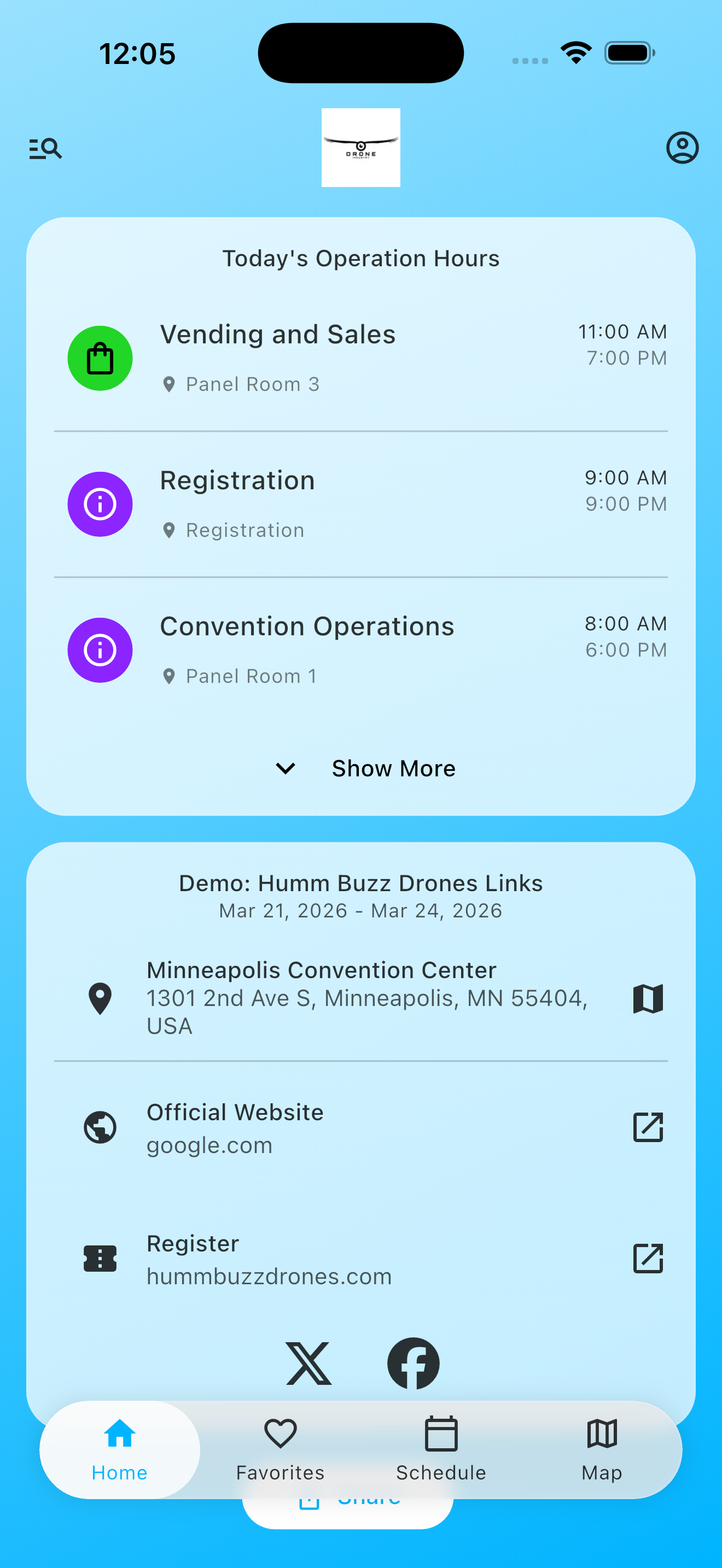
Show what is happening now, what is coming next, and where each session takes place.
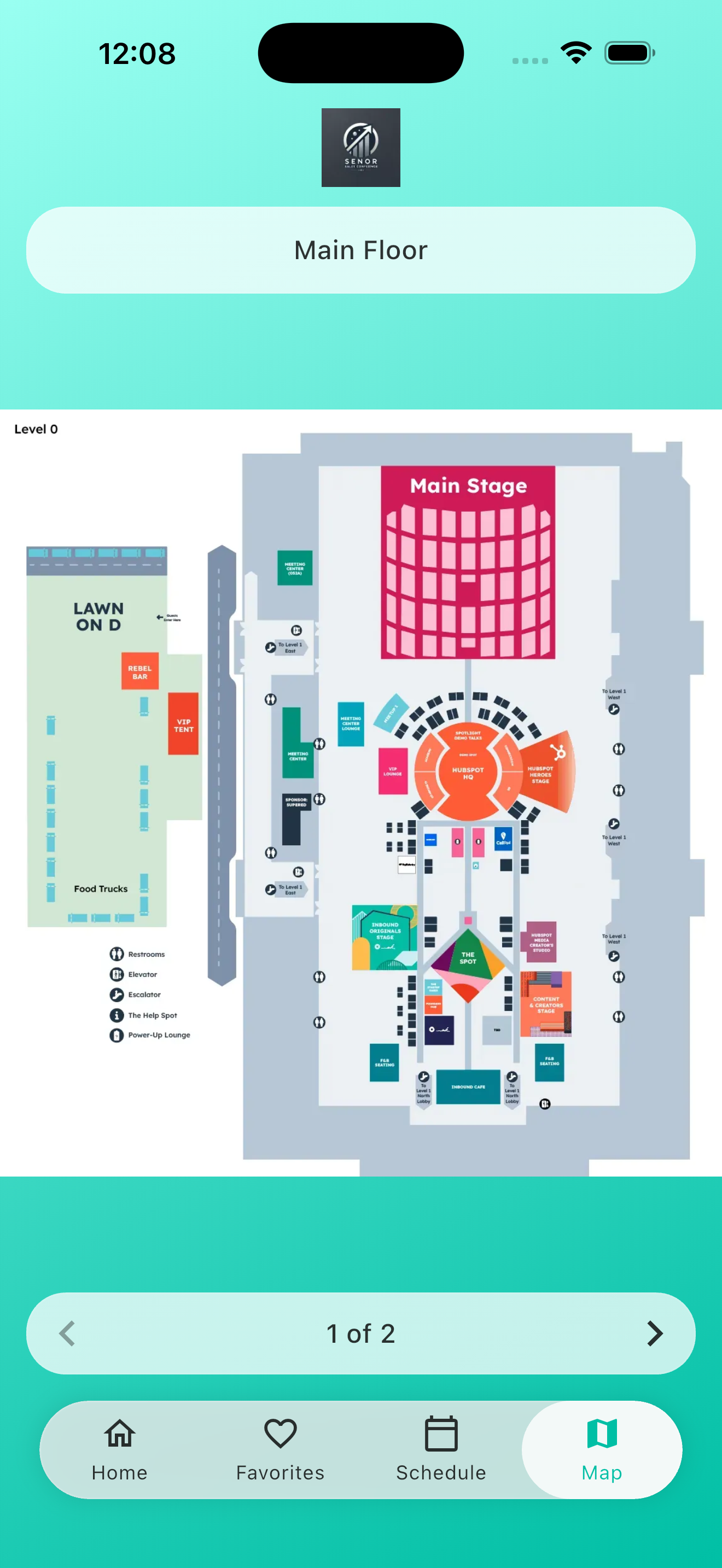
Help guests move between rooms, halls, and important venue locations.
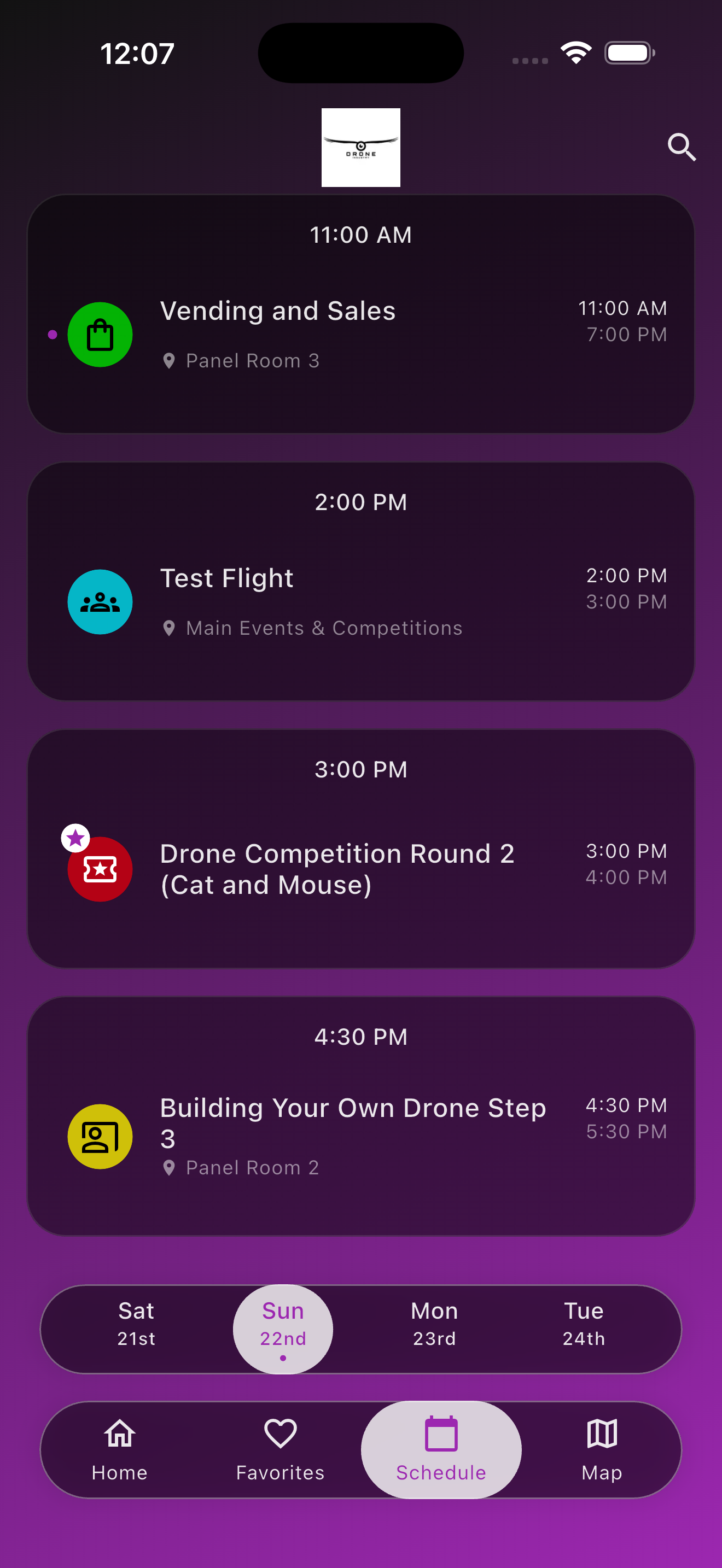
Smoother event experience with instant notifications.
Free tier, no hidden fees and upfront billing.
Starter Tier - Better than a spreadsheet
Free
Perfect for small events on small budgets
Premium Tier
$250
For your first Premium event
Standard starting rate:
From $300
+10¢ per additional download
A few things teams check before they commit.
Venvi is a strong fit for conferences, multi-session events, corporate summits, association meetings, and specialized events where attendees need schedules, maps, speakers, and event links.
Yes. Venvi supports CSV import and provides a template to map your conference agenda and event data into the platform quickly.
No attendee account is required. Guests can open an event, view conference information, build personal schedules, and receive relevant updates.